An AI assistant that remembers a user’s preferred writing style may save time. One that carries a confidential detail from a work project into an unrelated conversation may create an unwelcome surprise.
The design question is not simply whether to add memory. It is what information deserves to persist, where it should be available, and what a user can do when it is wrong or no longer wanted.
A useful starting point is to separate four things that are often bundled together: personal preferences, project context, business knowledge, and conversation history. They serve different purposes and should not automatically share the same controls or scope.
AI memory is not the same as chat history
Persistent AI memory is information retained for use in future interactions. Chat history is a record of earlier conversations. A product may use one, both, or neither to inform a response.
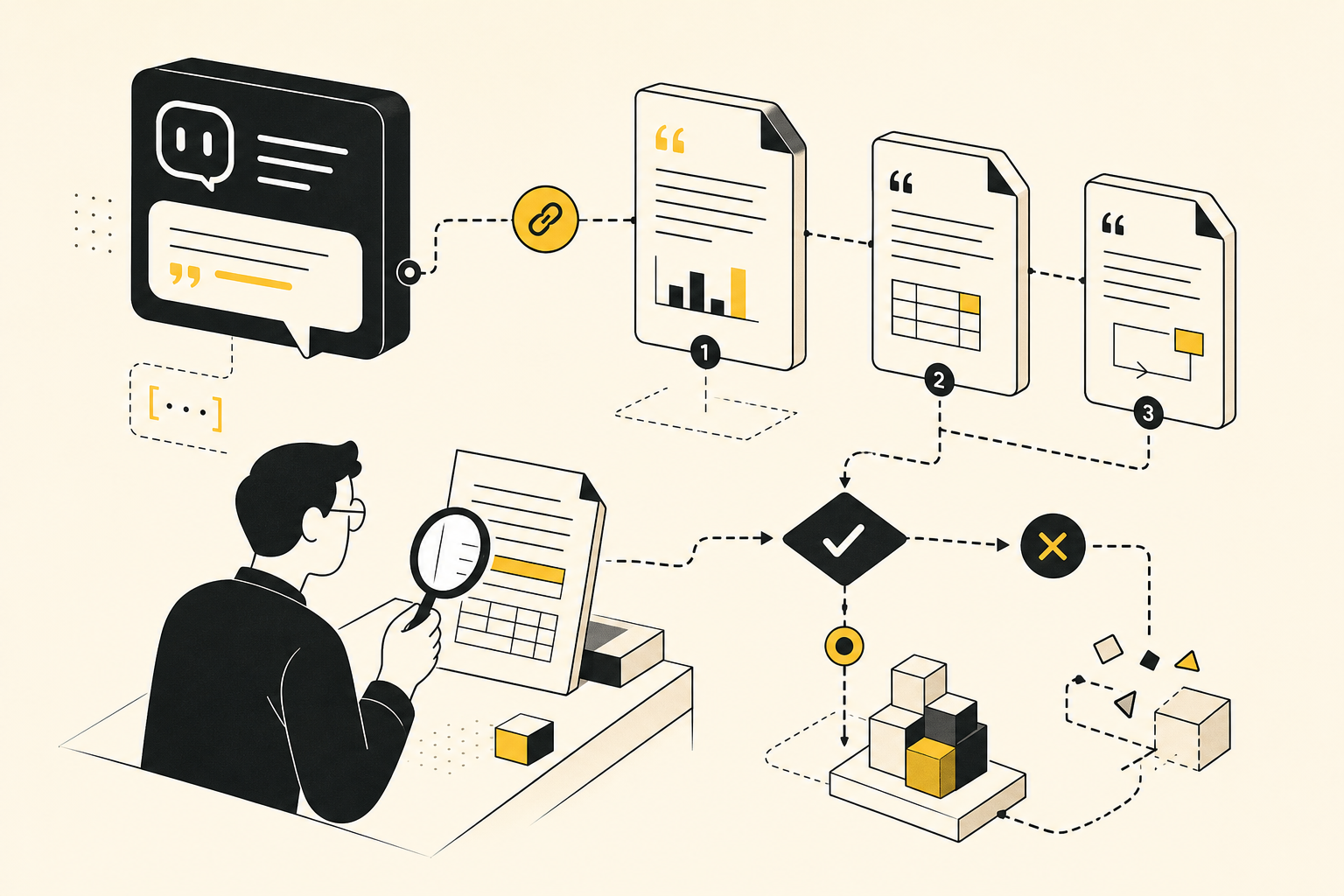
Personalization memory might include a user’s preferred tone or the fact that they usually want concise answers. Project context could include a product’s intended audience, current priorities, or chosen terminology. Business knowledge—such as a company’s product documentation—may come from files, databases, or connected tools rather than from information remembered about an individual. Chat history is the conversation record itself.
These categories can overlap in implementation, but users need not understand the underlying technology to deserve clear explanations of what is retained and how it is used.
The distinction matters because removing one item may not remove the others. OpenAI’s help documentation, for example, describes saved memories as separate from chat history: deleting a chat does not necessarily delete a memory saved from it, and turning off Memory does not itself delete past chats. That is a product-specific example, not a universal rule. It illustrates why a single “clear” button can be ambiguous unless the product says what it clears.
What should an AI assistant remember about a user?
A detail is a stronger candidate for memory when it is likely to remain useful, likely to improve future interactions, and appropriate to retain. This is a practical decision aid, not a formal standard.
A recurring preference—such as “use plain language” or “show prices in Canadian dollars”—may pass all three tests. A one-time instruction to draft an email to a particular person may be useful only for the current task. A health concern, financial detail, or personal relationship issue may be sensitive even if it could influence future answers.
Ask three questions before making a detail persistent:
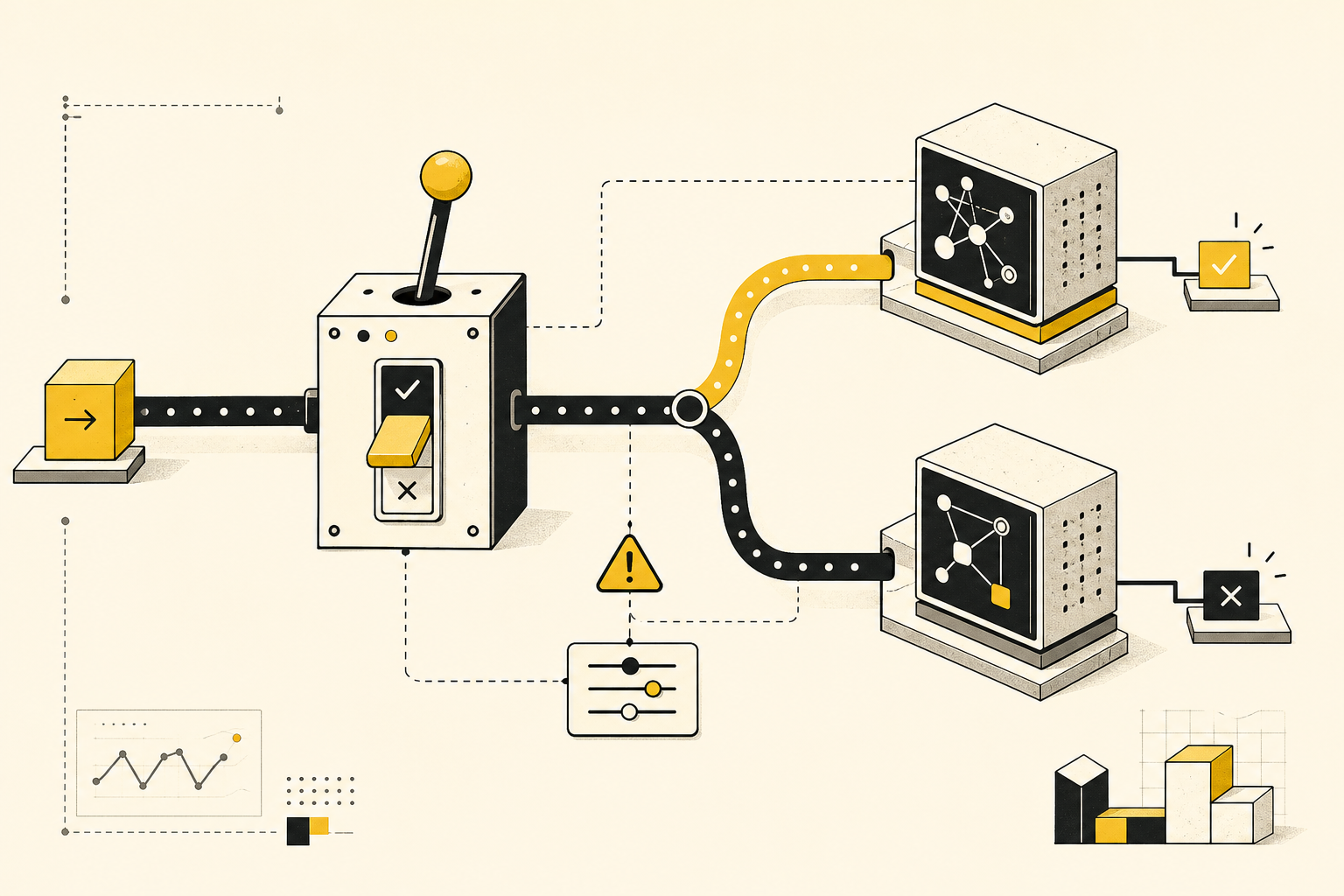
1. Will it stay useful? A durable preference or ongoing project constraint is more likely to help than a temporary circumstance. 2. Will remembering it change future responses for the better? If the answer would be just as useful without retaining it, persistence may add little. 3. Is retaining it appropriate? Consider whether the user would expect this information to carry forward, and whether it is sensitive or could cause harm if used in the wrong context.
This is a screen, not a guarantee that a detail should be saved. The user’s expectations and the product’s purpose matter. For instance, remembering a preferred answer format may be low-risk in a writing assistant, while saving the same person’s sensitive project details across unrelated uses may need a narrower scope or explicit user control.
Be especially careful with inferred information. If someone repeatedly asks for help with a particular industry, that does not necessarily mean they work in it. A system that turns guesses into permanent facts can make future interactions less helpful and harder to trust. A safer design is to label uncertain information as a possibility, ask before retaining it when appropriate, or avoid saving the inference. Users should be able to see whether a remembered detail was explicitly provided or inferred.
Should memory apply everywhere or only within a project?
The right scope is the narrowest one that still makes the memory useful. A language or formatting preference may reasonably apply across an account. A product launch plan, customer profile, or draft strategy may belong only to one project. A temporary instruction may belong only to the current conversation.
This is not just an organizational preference. Scope affects what information can influence an answer. If project context is available everywhere, an assistant may use it when the user did not intend it to apply. If the same context is isolated too narrowly, the user may have to repeat information constantly.
Research on agent-memory expectations offers a reason to take these distinctions seriously, while also requiring caution about how broadly to generalize. A 2025 CHI Extended Abstracts study combined interviews with six people and analysis of public online discussions. It reported that users often had incomplete mental models of how agents remembered and recalled information, and that expectations could differ by task-related context. The small qualitative sample is suggestive, not proof of what all users want.
For a small product team, a sensible first design question is: Where would a user expect this information to be available? If the answer differs by project or task, a single account-wide memory may be the wrong fit.
Make memory visible and correctable
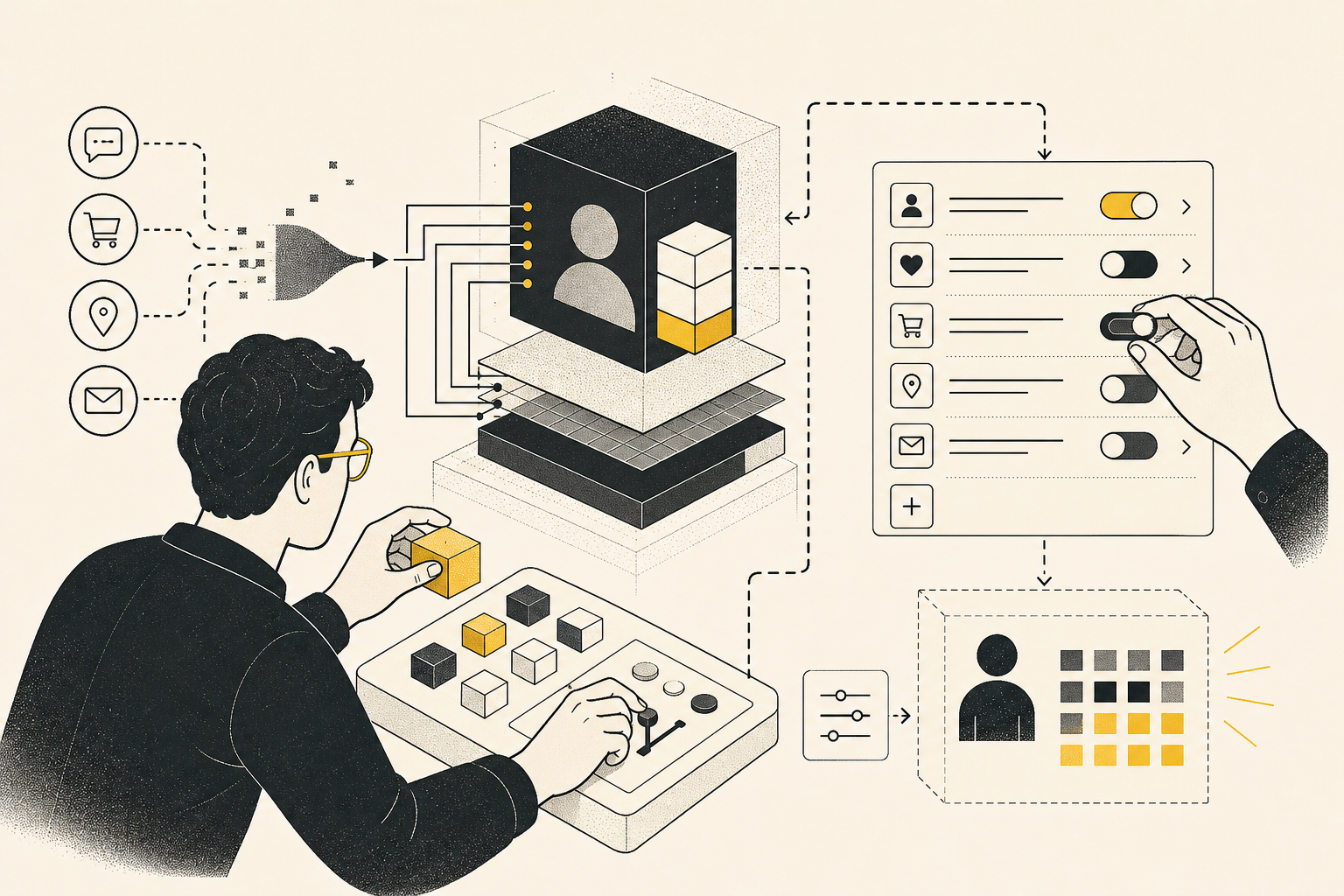
Users should not have to guess what the product remembers. Give them a place to inspect retained information in language they can understand, with enough context to recognize what each item means and where it applies.
A useful memory control should let people correct or remove an item, not just view it. It should also explain whether a control affects personalization, chat history, connected files, or some other source. The Center for Democracy & Technology’s roadmap for AI memory recommends understandable controls over memory creation, content, and use, and emphasizes clarity when controls do not cover every kind of memory.
It can also help to show when a remembered detail influenced a response. That does not require an elaborate explanation every time. A short indication—such as “I used your saved preference for concise answers”—can make the connection easier to understand and give the user a chance to correct it.
What should “forget” mean?
“Forget this” can mean several different things:
- Stop using it: the system no longer draws on the information, but it may remain stored.
- Delete the memory item: the saved personalization entry is removed, though the original conversation or another copy may remain.
- Delete the conversation: the chat record is removed according to the product’s process, but a separate saved memory may remain.
- Remove related sources: connected files or business knowledge may need to be managed separately.
A product should state which action it performs and which it does not. Turning off future memory use is not necessarily the same as deleting stored information. Deleting a chat may not remove a separate memory. And a memory may not be the only place where related information exists.
Avoid promising that one action erases every copy unless the product can support that claim. If removal takes time, applies only to certain sources, or has limits, explain those limits in plain language. The precise meaning of deletion depends on the product’s design and policies; this article is not a legal compliance guide.
A proposed pre-launch checklist
Before releasing persistent memory, a small team can walk through the full lifecycle:
1. Choose: What kinds of information can be retained, and what should not be? 2. Scope: Does each item apply across the account, within a project, or only to a conversation? 3. Explain: Can users see what is retained and understand how it might affect answers? 4. Correct: Can they update a mistaken, outdated, or inferred detail? 5. Limit: Can they stop memory from being used, and does the interface explain the scope of that control? 6. Remove: Can they distinguish deleting a memory from deleting a chat or removing a connected source?
Treat this as a decision aid, not a complete technical or privacy standard. Research has examined ways information in agent memory could be extracted from two representative agents, but that finding does not establish that every deployed assistant is vulnerable in the same way. It does reinforce a practical point: retaining information creates another place where its handling needs to be considered.
The best test is not whether a product can remember more. It is whether each retained detail has a clear purpose, an appropriate scope, and a user-understandable path to correction or removal. If the team cannot explain those things simply, the memory feature is not yet clear enough to ship.
Sources
- Users’ Expectations and Practices with Agent Memory — Qualitative research on people’s expectations and practices.
- A Roadmap for Responsible Approaches to AI Memory — Recommendations on memory visibility, control, and context.
- Memory in ChatGPT — Product-specific documentation on memory and chat-history controls.
- Unveiling Privacy Risks in LLM Agent Memory — Research investigating memory-extraction risks in two representative agents.