Imagine your app uses AI to draft a reply to a customer. The primary model becomes unavailable. A pretested backup might produce a usable draft, which a person can review before sending.
Now imagine the AI is partway through a request to update a customer record, check an order, and send a message. Switching models mid-workflow could mean losing context, repeating a step, or continuing without a capability the first model had. A backup route may keep the feature running, but that does not automatically make the result safe.
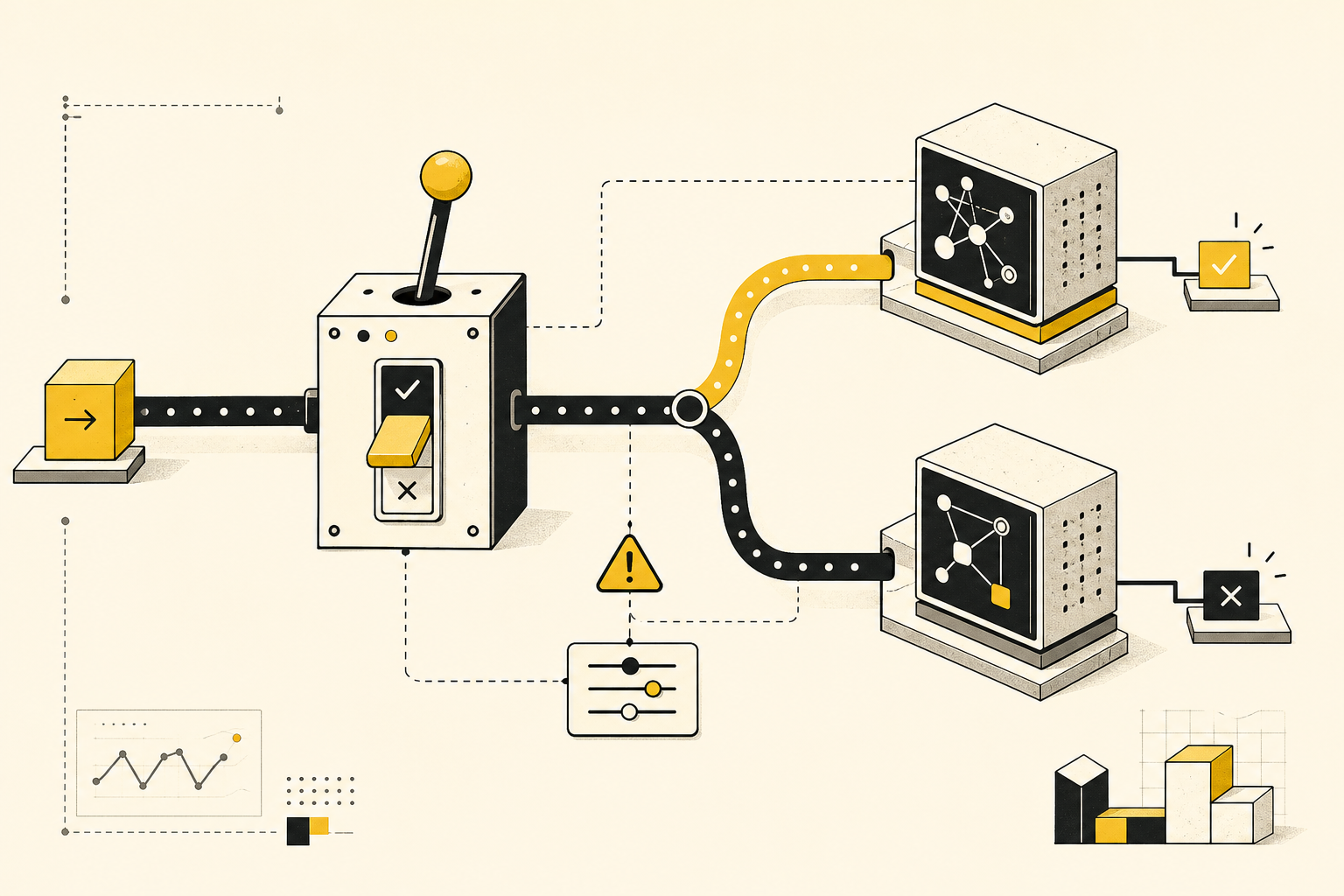
Automatic failover makes sense only when the backup has been approved for the same task, and when switching will not repeat or bypass actions. For a simple, read-only task, that may be straightforward. For a workflow that uses tools or changes external systems, pausing and checking what has already happened may be safer.
Model fallback and provider failover are different
Model fallback means sending a task to a different model. Provider failover means sending it through a different AI service provider. A provider might offer several models, so switching models does not necessarily mean switching providers.
Either change can affect what the system can do. A backup may differ in how much context it can handle, whether it supports the tools the feature needs, how it treats data, or the quality and speed of its responses. Similar model names or compatible ways of sending requests do not prove that two routes behave the same in your workflow. OpenAI’s failover guidance makes this distinction and recommends validating the alternative route against the actual workflow.
The product decision, then, is not simply “Do we have a backup?” It is “Can this particular task move to this particular route without changing what we have promised the user?”
Choose among retry, failover, reduced functionality, and stopping
The right response depends on what failed. A temporary service problem is different from a request the provider rejected because of an access, configuration, or input issue. Switching routes may help with the first kind of problem; it will not necessarily fix the others. Error categories and recovery instructions vary by provider, so check the documentation for the service you use rather than treating one provider’s rules as universal.
| Situation | Possible response | Key question | |---|---|---| | A temporary failure, with no sign the task completed | Retry the same route within a limit, or use a tested backup | Is this likely to be temporary, and is it safe to send the request again? | | The primary route is unavailable and the task is approved for another route | Fail over to the tested backup | Can it perform the same task with the same necessary context and safeguards? | | AI is unavailable, but a useful part of the product still works | Offer reduced functionality, a queue, or a manual path | Can the user make progress without misleading them about what is missing? | | The request is invalid, access is missing, or an action may already have happened | Stop and explain, or ask for human review | Would another attempt repeat an action or conceal the real problem? |
Retries are not the same as failover. A retry sends the task to the same route again; failover sends it somewhere else. Neither should be automatic in every failure case. OpenAI’s Agents API guidance, for example, advises limiting retries for transient failures and checking completed actions in relevant recovery situations. That is provider-specific guidance, but the broader product lesson is useful: before resubmitting work, know whether any part of it already took effect.
Is this a self-contained AI step or an ongoing workflow?
A self-contained, read-only task is usually the easier candidate for automatic switching. For example, an app might classify a submitted paragraph or produce a draft that a person will review. If the request has no hidden dependency on a previous model session and has not changed anything outside the app, the team can compare the backup’s output with the primary’s and decide whether it is acceptable.
A multi-step workflow needs more care. It might rely on conversation history, use a tool to look something up, or make changes in another system. At that point, the key question is not just whether the backup can generate a response. It is whether the workflow can safely continue from its current state.
If a task has already created a record or sent a message, starting it over may duplicate that action. If the backup cannot access the same context or tool, it may continue with an incomplete picture. And if the first route’s outcome is uncertain, the app should establish what happened before deciding to retry or switch.
A practical dividing line is: if a person would need to check what has already happened before handing the task to a different worker, your software probably needs a similar check. For a draft, switching may simply produce a different draft. For an action, switching may affect the world outside the chat.
Check the backup against the real task
Before enabling automatic switching, test the backup on the work the product actually does—not just on a generic prompt. A useful review asks:
- Can it do the required job? Check the specific capabilities the feature depends on, including any tools or structured output it needs.
- Does it get enough context? Confirm that the relevant conversation, instructions, and task information can be passed to the backup.
- Is the result acceptable? Compare outputs on representative examples, including cases where errors would matter. Decide what quality is sufficient before an outage forces the choice.
- Are data rules still satisfied? Confirm that the backup route is permitted to receive the information involved. A route that is technically available is not automatically an acceptable place to send user data.
- Can the workflow tolerate a different answer? If the feature needs a precise format or must follow a particular approval step, test that behavior too.
- Are cost and response time acceptable? A route that works but makes the product too slow or expensive may not be a useful fallback.
This does not require a large evaluation program to start. Choose a modest set of realistic examples, run them through both routes, and have someone who understands the task judge whether the backup’s results and behavior are acceptable. Repeat that check when the model, prompt, tools, or workflow changes. Validation is not a guarantee that the routes are equivalent; it is a way to decide whether the differences are acceptable for a defined use.
Tell users what changed—and give them a way forward
If the backup is approved and switching does not change the user-facing promise, the app may be able to continue without drawing attention to the underlying provider. But if the route changes what the feature can do or how dependable its output is, do not present the result as though nothing changed.
A draft might be available for review while sending is temporarily unavailable. A response might be queued for later. A user might be able to continue manually or ask a person for help. Google’s People + AI Guidebook emphasizes communicating limitations and helping users proceed after AI failure; Google Cloud’s reliability guidance also describes maintaining reduced functionality when a dependency is unavailable.
The best fallback does not have to be another model. For a small product, a clear pause may be better: explain that the task could not be completed, preserve what the user entered, and say what they can do next. A queue can be useful when the work can wait and the product can safely resume it later. A manual route can make sense when the task is important and a person can complete or review it.
Reduced functionality should be explicit. If the app can still save a draft but cannot check it, say so. Do not silently remove a safeguard, skip a required tool, or imply that an incomplete result has been verified.
A small-team go/no-go check
Automatic failover is a reasonable candidate when all of these are true:
1. The primary route has failed for a reason the backup could plausibly address. 2. The backup has been tested for the same task and is acceptable for its intended use. 3. It receives the necessary context and is allowed to handle the data. 4. Switching will not repeat, skip, or conceal an external action. 5. The user experience remains honest about any meaningful limitation.
If one of these conditions is unclear, pause rather than switch automatically. A small team can start with a simple policy: retry only where appropriate, fail over only for approved tasks, and stop or offer a manual path for everything else. Assign someone to own the backup route, including deciding when to disable it and when the primary route is ready to resume.
The useful question is not whether your AI feature has two routes. It is whether you know, for each task, what the product should do when the first route fails. A tested backup is one answer. A safe pause is another.