A business policy changes, someone updates the document, and the AI assistant still gives the old answer. This can happen because changing the document and changing what the assistant uses to answer are not necessarily the same step.
For a small team, keeping an assistant current is best treated as a business-change workflow: identify the authoritative information, update or retire the relevant material, allow the assistant’s copy to refresh, and check the answers that depend on the change. A successful upload or sync is a useful status signal, but it does not prove the assistant will now answer correctly.
Why can an assistant give an outdated answer after a document changes?
Some assistants answer questions by retrieving relevant passages from a collection of documents. That collection may be a stored or indexed copy of the source material. If the copy has not refreshed, the assistant may still retrieve the previous version. Other systems may use different mechanisms, so the exact steps depend on the product.
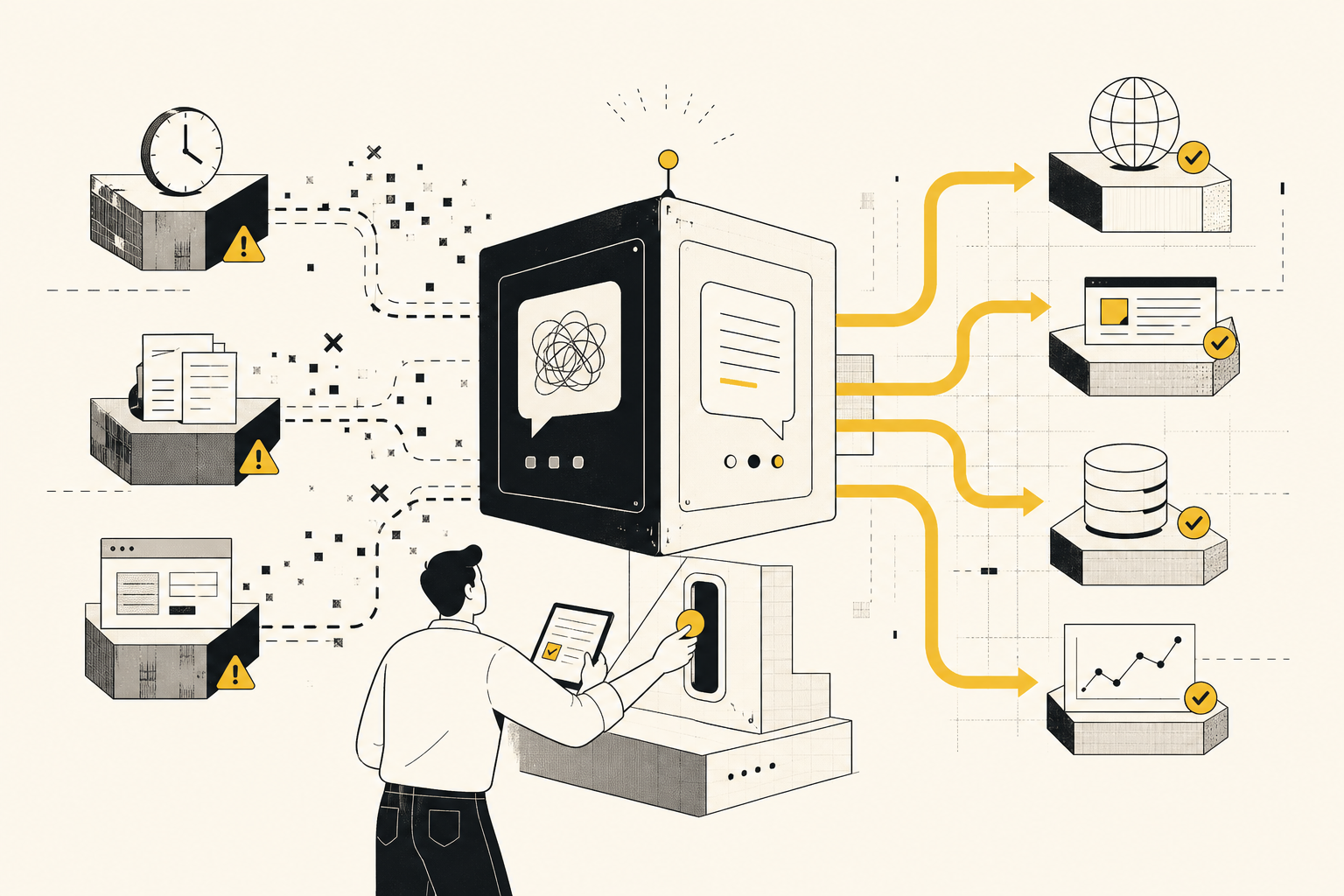
There is a second problem: old information can remain available alongside the new version. An assistant may retrieve the obsolete passage, or both versions, and produce a confusing answer. A 2025 research paper on outdated information in retrieval-augmented generation (RAG) found that stale information could reduce answer accuracy and mislead models even when current information was also available. That finding identifies a real risk, but it does not establish that every assistant or business document system will behave the same way.
The practical point is simple: publishing the new answer is only half the job. You may also need to make sure the old answer is no longer in the material the assistant can use.
Check three places: the source, the assistant’s copy, and the answer
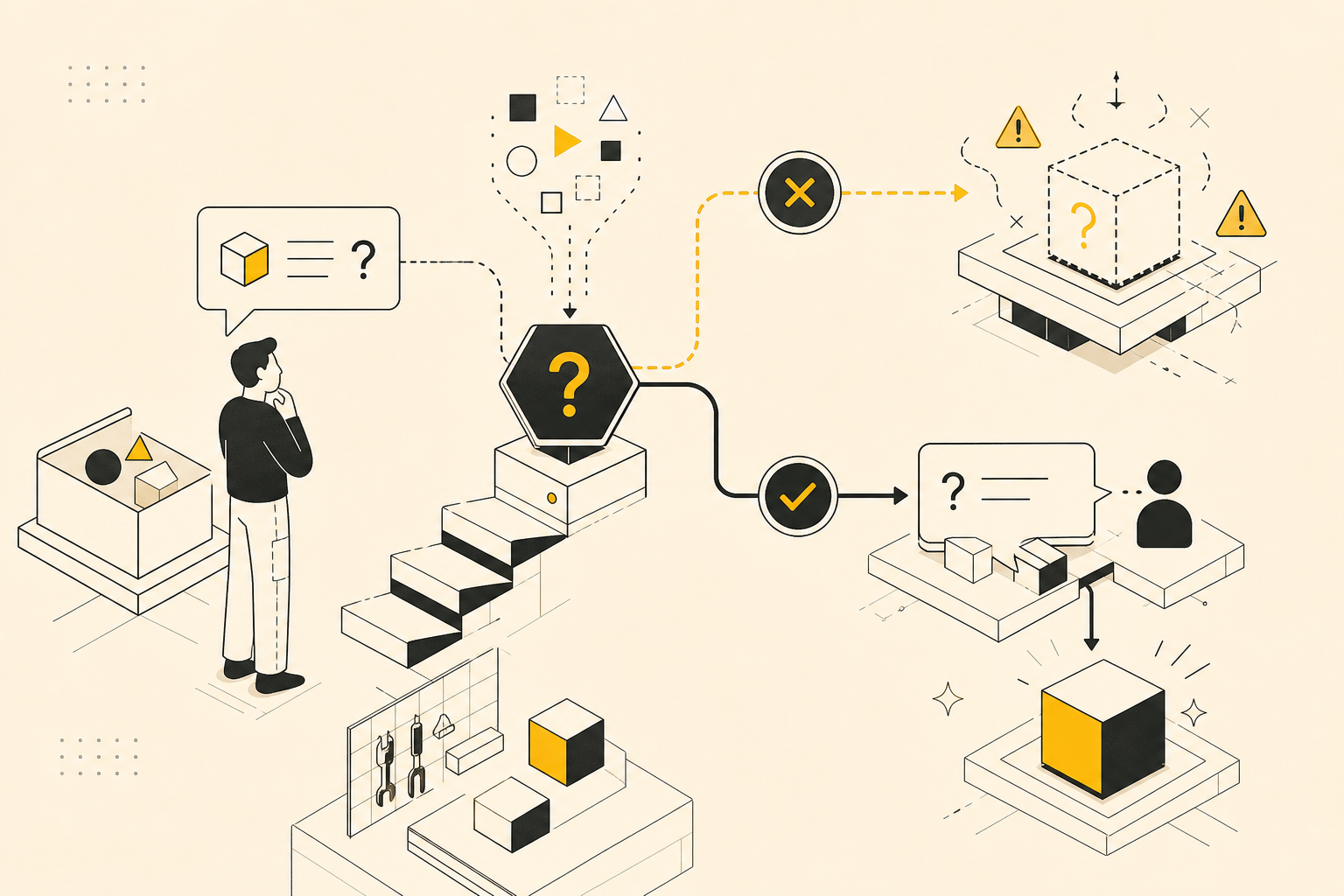
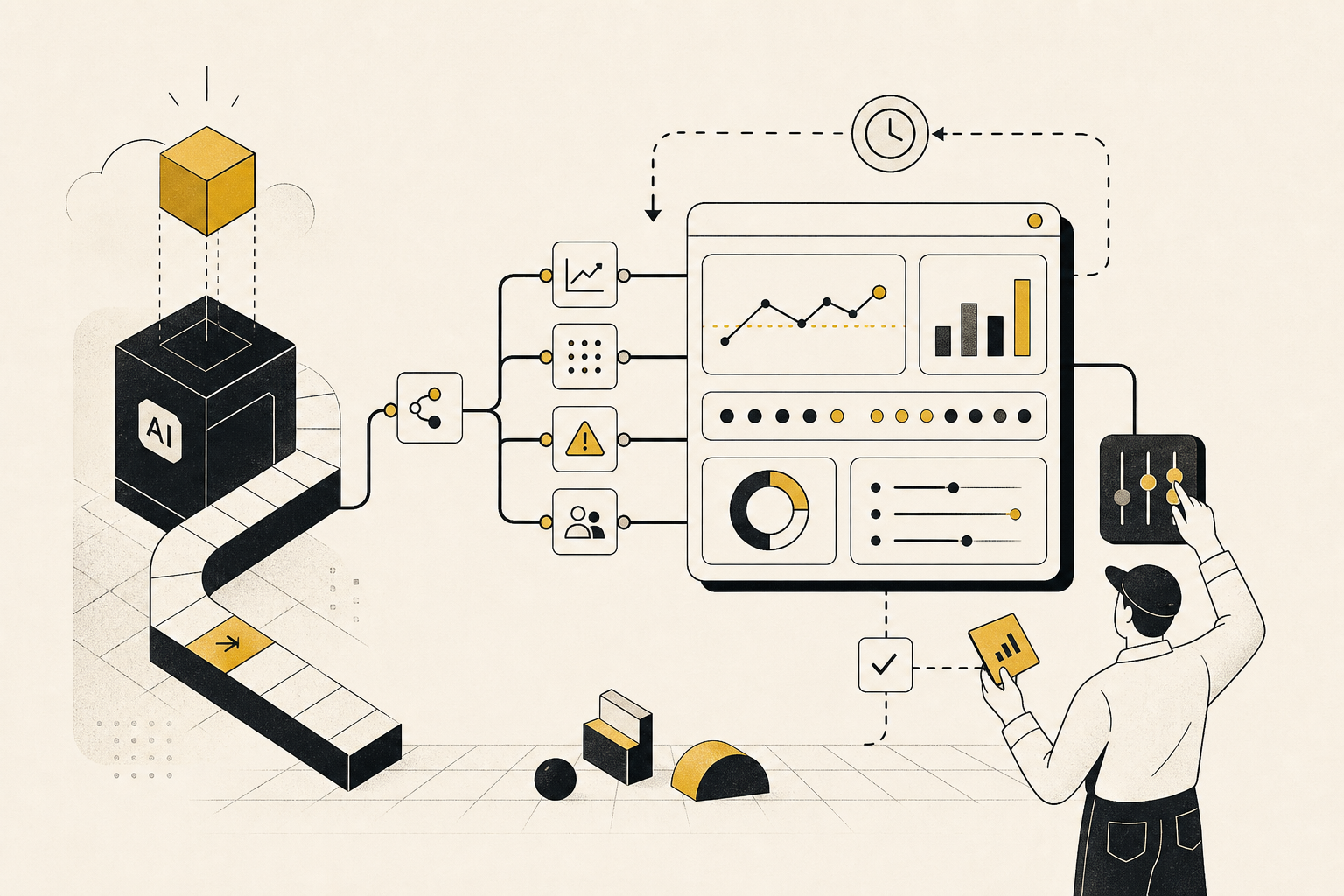
When an answer seems out of date, check three parts of the chain.
The source of truth is the place your team treats as authoritative: for example, the current refund policy in a controlled document or help center. It answers, “What is the rule now?” If several documents seem authoritative, the assistant may not be the only thing that needs fixing; people may also be unclear about which version to follow.
The assistant’s stored or indexed copy is the information the assistant can access when answering. It may be refreshed automatically, updated on a schedule, or require a manual action. A system may also retain material that was deleted or replaced in the original source, depending on how its connection and removal process work.
The answer users receive is the final test of whether the change has made it through. Even if the source is correct and the system reports a successful update, the assistant may still retrieve the wrong passage or express the policy inaccurately.
Thinking in these three parts helps locate the problem. If the source is wrong, fix the source. If the source is right but the assistant’s copy is not, investigate the refresh or removal process. If both appear current but the answer is wrong, check what the assistant retrieved and how it interpreted the information, if your platform makes that visible.
A small-team workflow for updating AI knowledge
Consider a business that changes its refund policy. The old policy allows returns within 30 days; the new policy allows them within 14 days. The goal is not merely to add a document containing “14 days.” It is to make the new rule authoritative, prevent the old rule from competing with it, and confirm the assistant answers relevant questions using the new rule.
1. Name the owner and authoritative source
Decide who is responsible for the policy and where the current version lives. The owner does not need to manage the AI technology. Their job is to confirm what the business rule is and approve changes to it.
If the same policy appears in a handbook, a help-center article, and a shared folder, record which location is authoritative and whether the other copies also need updating. Without that decision, a technically successful refresh can still deliver conflicting information.
2. Decide which changes require an update
Not every edit matters to the assistant. A spelling correction may not change its answers. A change to eligibility, pricing, deadlines, product availability, or legal terms probably does.
For consequential information, connect the business change to an assistant update: when the approved policy changes, someone should check that the relevant assistant source is updated too. This can be a step in the team’s existing change or publishing process, rather than a separate technical project.
3. Replace or retire what is no longer true
Adding the new policy does not necessarily remove the old one. Where possible, update the existing source or use the platform’s supported process to retire the superseded material. Also look for duplicates in other connected locations, such as an older PDF or an archived help page that remains available to the assistant.
This matters because removal and replacement are platform-dependent. For example, Google Cloud documents refresh and reconciliation options for its data-import workflows, including a full reconciliation mode that can remove documents no longer present in the source. Microsoft documents a different operational risk in some Azure AI Search indexing workflows: if source content is deleted before the index processes the deletion, an orphaned copy can remain in the index. These are examples of why it is worth checking your own platform’s behavior, not assumptions that apply to every assistant.
4. Allow for the refresh—and check its status
A change may need time or a manual refresh before it appears in the assistant’s stored copy. Find out how your system handles updates: does it check for changes automatically, run on a schedule, or wait for someone to start a refresh? What happens if a refresh fails or processes only some of the material?
The answers vary by platform and setup. A status message that says a job completed can help establish that a process ran, but it does not tell you whether the assistant will use the right information for every question. Treat it as one checkpoint, not the final sign-off.
5. Test questions that depend on the change
After an important update, ask the assistant questions whose answers would differ under the old and new rules. For the refund example, ask, “How long do I have to request a refund?” and “Are purchases made more than 14 days ago eligible?” The second question helps expose an answer that repeats the new number but still applies the old rule.
Check whether the answer matches the approved policy and whether it introduces conditions that are not in the source. If the assistant can show its supporting documents, inspect them: an old document in the evidence points toward a source-retirement or refresh problem. If it cannot, the answer itself still provides a useful check, but may not reveal exactly where the failure occurred.
How often should an AI knowledge base be refreshed?
There is no single refresh schedule that fits every business. The right approach depends on how quickly the source changes, how consequential an outdated answer would be, and how the platform detects and processes updates.
For stable material, a routine check may be enough. For information that changes frequently or could cause meaningful harm if wrong—such as prices, eligibility rules, or safety instructions—tie the update and verification to the change itself rather than waiting for a general review. A scheduled refresh can help catch changes, but it is not a substitute for updating the authoritative source or retiring obsolete copies.
A practical rule is to match the process to the risk: the more costly a stale answer would be, the more directly the update should trigger a check of the assistant’s resulting answer. Keep a lightweight record for significant changes: what changed, who owns the source, what was refreshed or retired, and which questions were tested.
Keeping an AI assistant current is not just a matter of feeding it new documents. It is a chain of responsibility from the business rule to the source, from the source to the assistant’s available information, and from that information to the answer a user sees. When a consequential rule changes, follow the whole chain.